Is there anything worse than spending 20 hours editing a video, uploading it with high hopes, and waking up the next morning to "12 views"?
I’ve been there. It’s demoralizing. You start thinking, "My content must suck," or "The algorithm hates small creators."
But as we head into 2026, here is the hard truth: YouTube isn't just a video platform anymore. It’s a hyper-intelligent search engine.
When you upload a video named "Final_Cut_v3.mp4" with no description, you are essentially throwing a blank book into the world's largest library. The librarian (the algorithm) has absolutely no idea where to put it, so it puts it nowhere.
If you want to win in 2026, you can't just be a creator. You have to be an optimizer. You need a YouTube SEO Checklist.
The 3-Step YouTube SEO Checklist for 2026
Stop guessing before every upload. Follow this exact checklist to ensure every video you publish is optimized for the modern algorithm.
✅ Step 1: The Click (Optimized Title)
Your title has two jobs: get the robot to rank it, and get the human to click it. Most creators fail because they only do one or the other.
- The Mistake: "My trip to Florida" (Boring, no search intent).
- The Fix: Use the YouTube Title Generator. It balances high-volume keywords with "click-triggers" that generate curiosity.
- Checklist Item: Does my title contain my main keyword AND a reason to click right now?
✅ Step 2: The Context (SEO Description)
The description box is your chance to tell YouTube exactly what your video is about. In 2026, the first two lines are critical because they show up in Google Search results alongside your video.
- The Mistake: Leaving it blank or just putting "Subscribe!"
- The Fix: Use the YouTube Description Generator. It naturally weaves your keywords into paragraphs and formats timestamps to help you rank for "Key Moments."
- Checklist Item: Is my main keyword in the first sentence? Do I have timestamps?
✅ Step 3: The Association (Smart Tags)
While some say tags are dead, they are still vital for "misspelling protection" and helping YouTube understand the *context* of your video. They help link your video to other popular videos in your niche.
- The Mistake: Using generic tags like "video" or "fun."
- The Fix: Use the YouTube Tag Generator. It finds the specific, long-tail tags that your top competitors are using to rank.
- Checklist Item: Do I have a mix of broad and specific tags related to my topic?
Seeing the Difference
When you ignore this YouTube SEO Checklist, your video is invisible. When you use it, you give the algorithm a roadmap to find your audience.
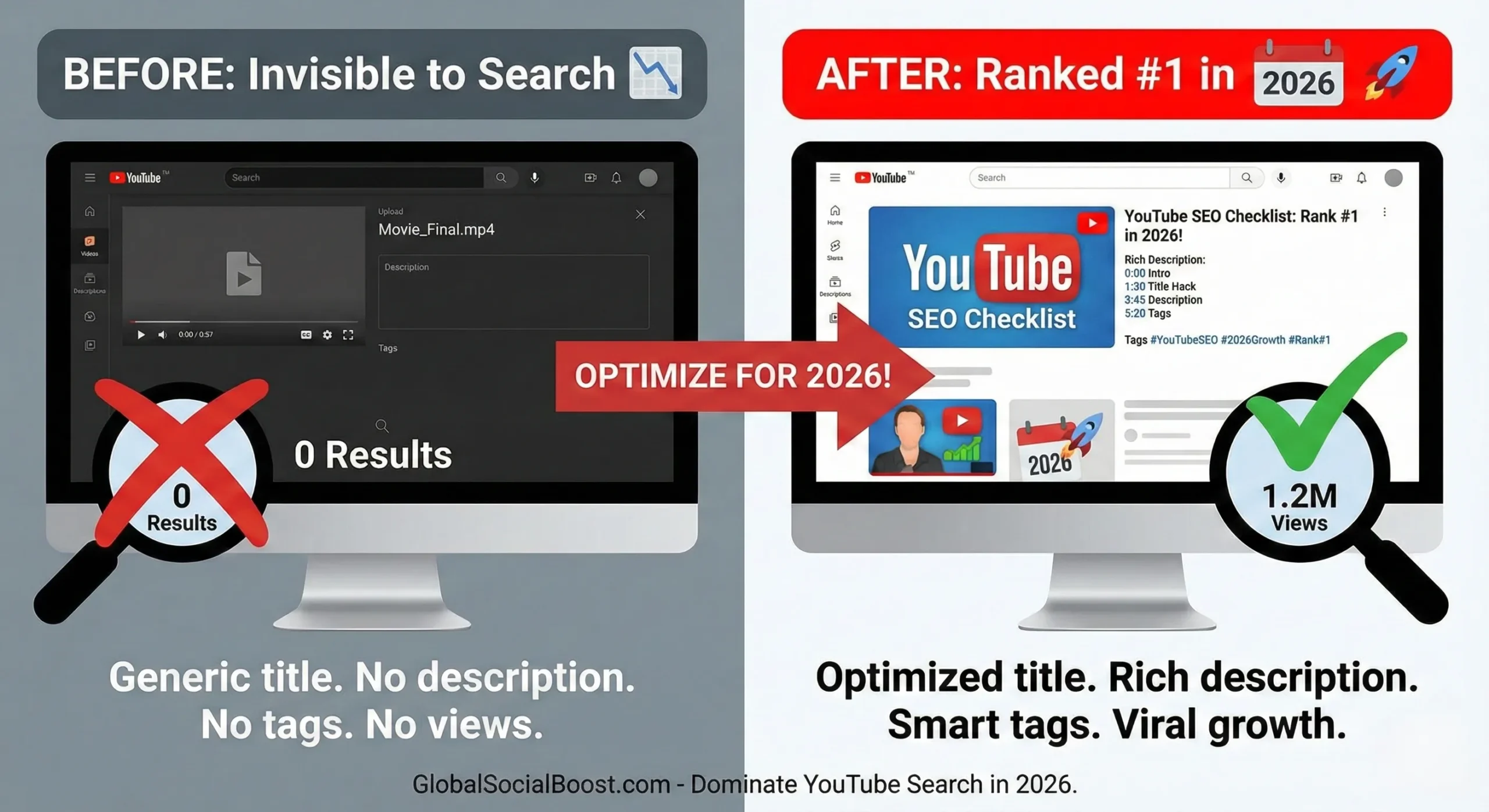
(Don't let hard work go unseen. Optimize before you publish.)
Your Pre-Upload Routine
Don't wait until the video is actively uploading to think about SEO. Make this checklist part of your production process.
Before you even hit export on your video editor, open our three tools in separate tabs. Generate your title, craft your description, and copy your tags. Have them ready in a document.
🚀 Start Step 1: Generate a TitleFinal Thoughts
The algorithm doesn't hate you. It just doesn't know who you are yet. Use this YouTube SEO Checklist to introduce yourself properly, and watch your views start to climb in 2026.