
Using a Carousel Post Generator is the fastest way to explode your engagement on Instagram and LinkedIn in 2025.
We are living in the "Swipe Economy." Single images are boring. Long captions get ignored. But Carousels (those swipeable slide decks) are the undisputed kings of the algorithm.
According to social media studies, carousels get higher engagement rates than any other post type. Why? Because every time a user swipes, they are telling the algorithm, "I am interested."
However, creating them is a pain. You have to figure out the pagination, design the flow, write the copy for each slide, and ensure the story makes sense. Most creators give up and just post a selfie.
That ends today. Our free Carousel Post Generator takes the hard work out of the process, instantly turning your ideas into a viral slide deck structure.
Why You Need a Carousel Post Generator
You are an expert in your field, not a graphic designer or a storyboard artist. You shouldn't have to spend 3 hours in Canva just to post one update.
Our Carousel Post Generator solves the three biggest friction points:
- The Narrative Arc: It breaks your topic into a logical 5-10 slide story (Hook → Problem → Solution → CTA).
- Content Chunking: It forces you to be concise. Too much text on a slide kills reach.
- The Visual Cue: It reminds you where to put the "Swipe Left" arrows and visual hooks.
The Transformation: Caption vs. Carousel
Let's look at the difference between posting a "Wall of Text" caption and using our Carousel Post Generator to visualize it.
(Photo of a laptop)
Caption: "Here are 5 ways to be more productive. 1. Wake up early. 2. Drink water. 3. Use a planner..."
Result: User scrolls past because the value is hidden in the "Read More" section.
Generated by our Tool:
- Slide 1 (Hook): "Why your To-Do list is killing your productivity 🛑"
- Slide 2 (The Problem): "You are prioritizing the wrong things..."
- Slide 3-6 (The Fix): [Visual breakdown of the steps]
- Slide 7 (CTA): "Save this post for Monday morning 💾"
Result: High saves, high shares, and massive reach.
How the Carousel Post Generator Works
We built this tool to be your digital storyboard assistant.
- Step 1: Enter your main topic or the blog post you want to repurpose.
- Step 2: Select your platform (Instagram or LinkedIn).
- Step 3: The Carousel Post Generator outputs the exact text and design cues for every slide.
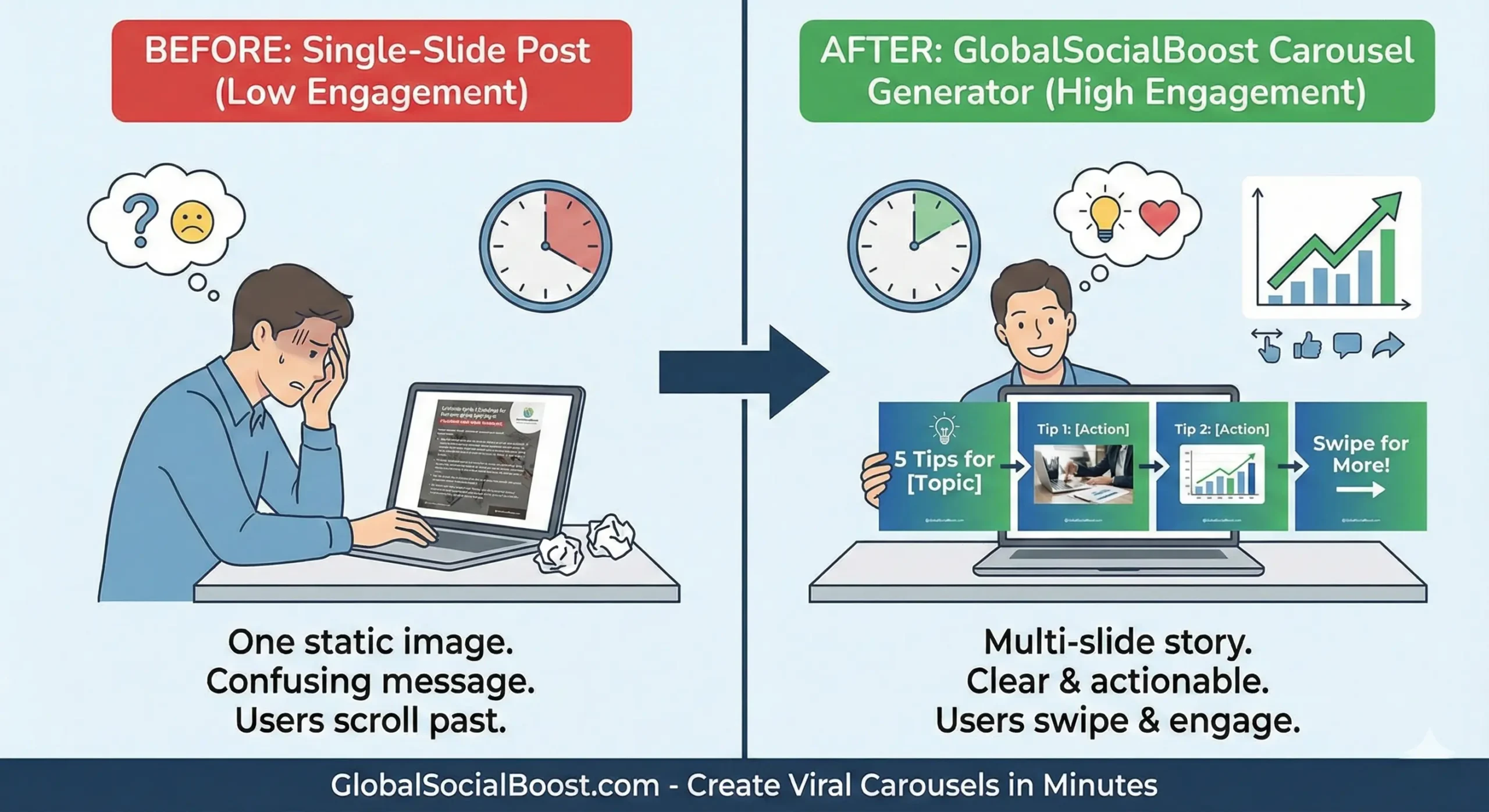
(Turn one idea into 10 slides of value instantly.)
5 Secrets to Create Viral Slides Instantly
When you use the Carousel Post Generator, keep these design principles in mind:
1. The "Big Text" Rule
On mobile, text needs to be huge. If it's small, people won't squint to read it; they will leave.
2. The Continuous Background
Make your design flow from one slide to the next (e.g., an arrow that gets cut in half). It creates an irresistible urge to repair the image by swiping.
3. The "Saveable" Slide
Include one slide that is a cheat sheet, a checklist, or a quote. This triggers the "Save" metric, which is gold for SEO.
🖼️ Generate My Carousel Slides (Free)Frequently Asked Questions
Does this work for LinkedIn PDFs?
Yes! A LinkedIn "Document" is just a carousel. Our Carousel Post Generator creates the perfect structure for professional LinkedIn PDF sliders.
How many slides should I use?
The sweet spot is usually between 7 and 10 slides. Less than 5 provides too little value; more than 10 feels like homework. Our tool optimizes for this range.
Final Thoughts
Don't let your best content die in a caption. Visualize it.
Use the Carousel Post Generator to turn your knowledge into a visual experience that your audience can't help but swipe.