
Using a LinkedIn Post Generator is the secret weapon for professionals who want to build a brand but hate writing.
We've all been there. You just finished a major project, or you had a brilliant insight about your industry. You open LinkedIn, click "Start a post," and then...
The cursor blinks. The white screen stares back at you. You type a sentence, delete it. Type another, delete it. You worry about sounding too boastful, or worse—boring.
This is called "Blank Page Syndrome," and it kills more personal brands than anything else. You have the expertise, but you lack the formatting skills to make it readable.
According to recent platform statistics, LinkedIn is seeing record levels of engagement, but the algorithm heavily favors posts that are structured for "dwell time." This means if you write a dense wall of text, you lose. If you use a LinkedIn Post Generator, you win.
Why You Need a LinkedIn Post Generator
Writing for LinkedIn is different than writing a blog or an email. It requires a specific cadence. You need "white space."
The human eye naturally scans for breaks in the text. If your post looks like a textbook, people keep scrolling. Our tool acts as a LinkedIn Post Generator and a formatting assistant in one.
It takes your raw, messy thoughts and restructures them into the "Broetry" style (short, punchy lines) or the "Professional Storyteller" style (engaging narrative) that dominates the feed.
The Transformation: Before vs. After
Let's look at a real-world example. Here is how a standard user writes an update versus how our LinkedIn Post Generator rewrites it for maximum viral potential.
"I just finished the Google Data Analytics course. It was really hard but I learned a lot about SQL and R programming. I am looking for a job now so please let me know if you are hiring thanks."
Verdict: 3 likes (probably from your mom and a bot).
Generated by our Tool:
🚀 I just spent 200 hours learning Data Analytics. Here is what I found.
It wasn't easy. There were late nights, complex SQL queries, and moments I wanted to quit. But today, I am proud to say I am officially Google Certified! 🎓
My biggest takeaway? Data isn't just numbers; it's a story.
I am now open to Junior Data Analyst roles. Who is hiring? 👇
#DataAnalytics #CareerGrowth #OpenToWork #GoogleCert
Verdict: High engagement, comments, and recruiter DMs.
How the LinkedIn Post Generator Works
You don't need to be a copywriter to sound like a thought leader. The process is simple:
- Input your rough idea: Just type what you did or what you are thinking.
- Select your Vibe: Choose from "Professional," "Enthusiastic," or "Storyteller."
- Generate: The LinkedIn Post Generator adds the hook, the line breaks, the emojis, and the hashtags.
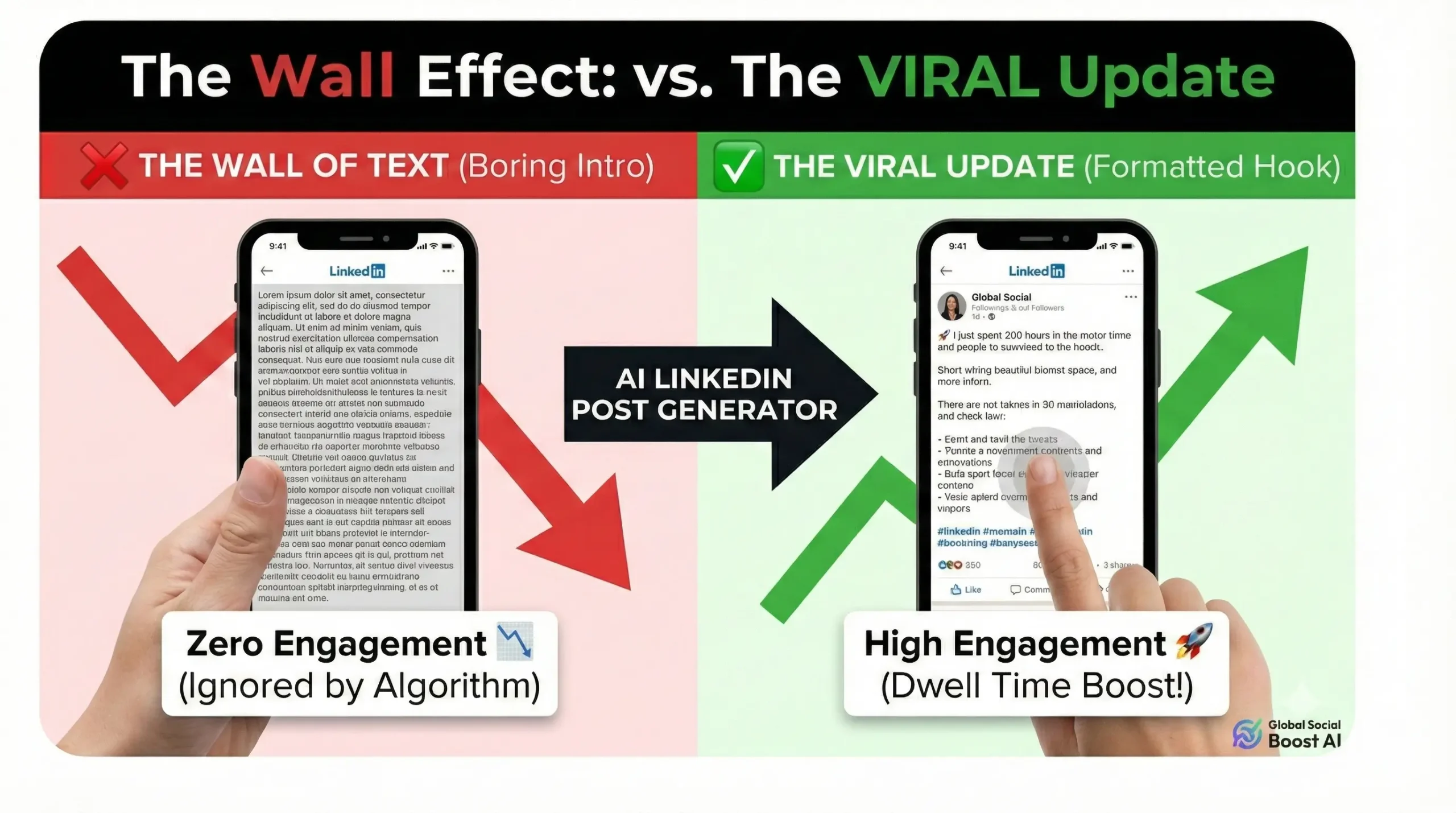
(Stop posting walls of text. Start posting stories.)
3 Hidden Benefits of Using This Tool
1. Consistency is King
The hardest part of LinkedIn is showing up every day. When you use a LinkedIn Post Generator, you can create a week's worth of content in 10 minutes. Consistency signals to the algorithm that you are a top creator.
2. Hashtag Optimization
Guessing hashtags is a waste of time. Our tool suggests relevant tags (like #MarketingStrategy or #CodingLife) that actually have reach, ensuring your post is seen by people outside your network.
3. overcoming Imposter Syndrome
Sometimes we don't post because we don't feel "expert enough." Seeing your thoughts polished into a professional format gives you the confidence to hit "Post."
✨ Generate My LinkedIn Post (Free)Final Thoughts
Your career story deserves to be heard. Don't let bad formatting silence you.
Stop staring at the blank page. Use the LinkedIn Post Generator to turn your rough notes into career-changing opportunities today.